The AI That Actually Touches Your Computer
An AI that controls your PC can click, type, convert files and fix settings by voice. Here is what FixKon does in 2027, and the limits that keep it safe.
By Unespc

An AI that controls your PC is one that reads your screen and then uses the same inputs you would. It clicks, types, hits keyboard shortcuts and scrolls. The difference from a chatbot is the difference between being told where the setting is and having the setting changed.
FixKon is the one I build, so treat the enthusiasm accordingly. What follows is what it does and, more usefully, where it stops.
What can an AI that controls your PC actually reach?
The ordinary stuff first, because that is where the time goes.
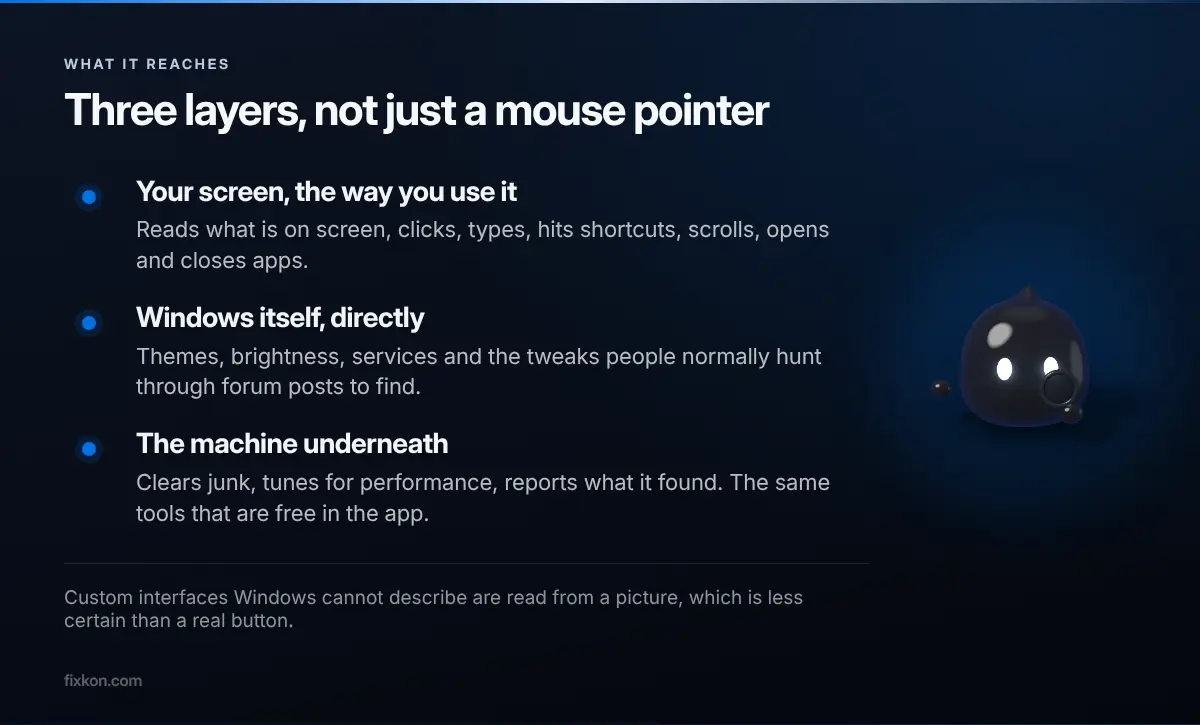
It can open and close apps, read what is on screen, click and type into them, and work a window the way you would. On the Windows side it reaches settings directly rather than driving a settings window: themes, brightness, services, the tweaks people normally hunt through forum posts to find.
Then three things it does to the machine itself. It clears junk, it tunes for performance, and it reports what it found. Those are the same tools that sit in the app for free, except you ask for them out loud instead of finding the right panel.
The honest limit is that screen control is still screen control. If an app draws its own custom interface that Windows cannot describe properly, the assistant is working from a picture of it, and pictures are harder to be certain about than buttons. Most things are buttons. Not everything is.
Can it make a presentation and convert files?
Both, and the second one is the feature I did not expect people to care about as much as they do.
You tell it what the file should become, and it converts it. No searching for a converter, no uploading a document you would rather not upload. That last part is the real win, because the normal flow for converting anything is to paste a private file into whatever site ranks first that day.
Presentations work the same way. You describe the deck you need and it builds it, rather than handing you an outline to assemble yourself.
Both of these are doing the same trick underneath, which is removing the step where you go and find a tool. Most people do not want a file converter. They want the file to be a different file.
What about 3D objects?
It generates them, and it explains what it made as it goes.
The explanation is the part worth knowing about. A generated object you cannot reason about is a dead end the moment you want to change it, so getting the reasoning alongside the result is what makes it usable rather than a party trick. Ask why it chose a shape and you get an answer you can argue with.
Does it really learn how you fill out forms?
You fill one in. It watches the shape of what you did. The next form of that kind, it fills for you.
This is the closest thing to the promise people actually want from an assistant, and it is also the one I would be most careful with, which is why filling is not the same as submitting. The fill happens, and then you look at it before anything is sent.
My take: this is the feature that will decide whether people keep the app installed. Everything else saves a minute. This one saves the specific kind of tedium people genuinely resent.
What stops it doing something stupid?
Two layers, and neither of them is the model deciding to behave.
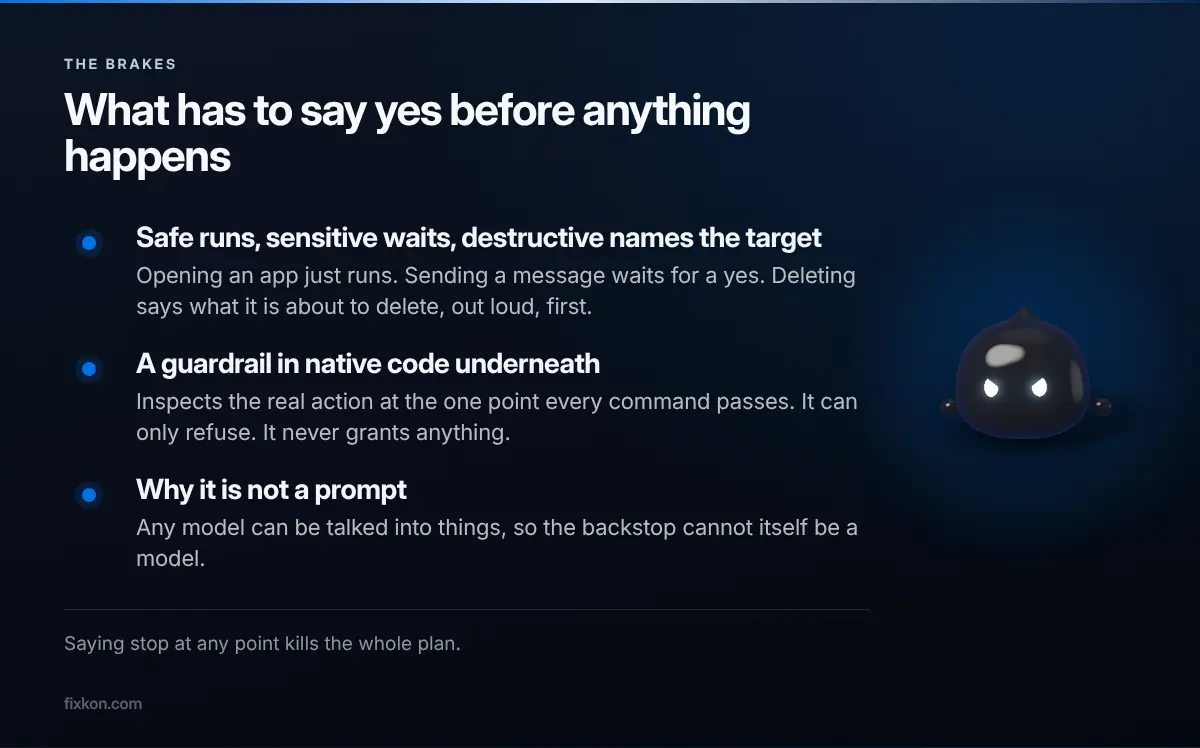
The first is a policy engine that grades every action. Safe things run immediately and get narrated. Sensitive things, like sending a message or changing a system setting or running a terminal command, speak a one-line confirmation and wait. Destructive things, meaning deleting, uninstalling, the registry, anything with money attached, always confirm and always name the target out loud before they happen. Saying stop at any point kills the whole plan.
The second layer sits underneath and is written in native code rather than in a prompt. It inspects the real action and its real arguments at the one point every command passes through, and it can only ever refuse. It never grants anything. It exists because any model can be talked into things, so the backstop cannot itself be a model. It refuses whole categories outright: offensive security tooling, remote execution, mass deletion, disabling your antivirus or firewall, credential dumping, and sending credential stores off the machine.
That is the part I would judge any tool in this category on. I went through the architecture in more detail here.
Can you undo it?
Mostly, and this is the safety net that matters more than the confirmations.
Every change gets recorded with its reverse at the moment it runs. Ask what changed today and the answer comes from that record rather than from the model's memory of it. Ask it to undo the last hour and it replays those reverses newest first, and it says plainly which ones cannot be taken back. A sent email is sent.
Is this worth installing yet?
The PC tools are free and will stay free, so the honest answer is to try those and judge the rest later. That was the pitch when I first put this out and it has not changed.
What I am still working out is how much the assistant should do without being asked. Right now it waits. There is a version of this that notices your drive is nearly full on a Tuesday and offers, and I have not decided whether that is helpful or annoying yet.
Questions people keep asking
- What does an AI that controls your PC actually do?
- It reads the screen and then uses the same inputs you would: clicking, typing, keyboard shortcuts and scrolling. FixKon adds direct access to Windows settings, cleanup and performance tuning rather than only driving the mouse.
- Can it convert files without me opening anything?
- Yes. You say what you want the file to become and it handles the conversion, so you never go looking for a converter site. That removes the step where people paste private documents into a random web tool.
- Does it learn how I fill out forms?
- You fill one in, and it remembers the shape of what you did. The next form of that kind gets filled for you, and you confirm before anything is submitted.
- Can the AI break my computer?
- Deleting, uninstalling and registry changes are all classed as destructive, which always requires a yes and always names the target first. Underneath that, a guardrail written in native code refuses whole categories of action outright.
- Can I undo what it did?
- Mostly. Every change is recorded with its reverse at the moment it runs, so you can ask it to undo the last hour. It tells you plainly which actions cannot be taken back.
I make the short video version of these on Instagram and YouTube.
Follow along there, or come argue with me in the Discord.